
AI Web Developer, Your New Coding Assistant?
Discover how AI tools like GitHub Copilot and ChatGPT are transforming web development with code generation, debugging, and productivity boosts.
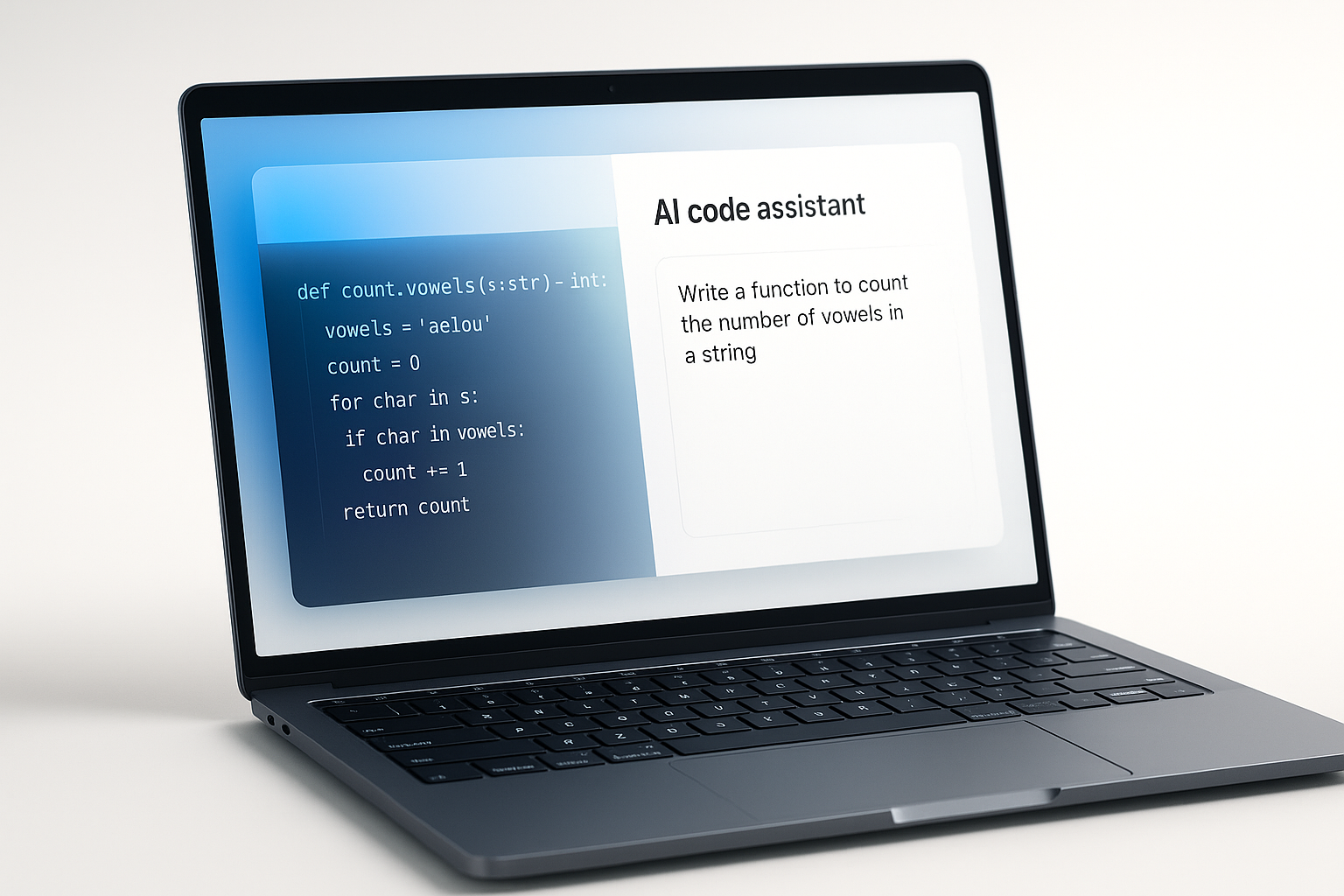
AI in Web Development: Your New Coding Assistant?
AI is no longer just a futuristic concept, it’s writing and debugging code right now. From GitHub Copilot to ChatGPT, AI-powered tools are becoming indispensable assistants for developers. Whether you’re a beginner building your first site or a seasoned engineer optimizing complex systems, AI can accelerate workflows, reduce errors, and free you up for more creative problem-solving.
What is AI in Web Development?
AI in web development refers to using artificial intelligence tools to assist in coding, debugging, and optimizing workflows. These tools can generate code, suggest solutions, and explain complex programming concepts in simple terms.
Why is AI Important for Developers?
- Code Generation: AI can write boilerplate code, suggest functions, and even generate full components based on prompts.
- Debugging Assistance: AI analyzes code for errors, suggests fixes, and explains problems in plain language.
- Learning Aid: New developers can use AI to understand coding concepts and see examples instantly.
- Productivity Boost: Less time on repetitive tasks means more time on strategic development.
Who is Using AI in Development Today?
- GitHub Copilot: Autocompletes code and offers inline suggestions.
- ChatGPT & Claude: Explain, debug, and generate code from natural language prompts.
- Tabnine: Predicts and completes code based on your coding style.
- Codeium: Free AI code assistant with multi-language support.
How Can You Use AI in Your Coding Workflow?
- Start with Clear Prompts: Be specific about what you need.
- Always Review Generated Code: Check for bugs, security issues, and performance.
- Use as a Learning Tool: Ask AI to explain code suggestions.
- Combine with Human Expertise: AI assists, but doesn’t replace, skilled developers.
What to Watch Out For with AI Coding?
- AI can generate incorrect or insecure code—always review outputs.
- Tools may not understand complex, context-specific requirements.
- Over-reliance can hinder skill development for new programmers.
Pro Tip
💡 At ROCKPAPER RUNWAY, we integrate AI-assisted development into our workflow to speed up delivery while maintaining high-quality, secure, and scalable web solutions. Whether it’s building from scratch or optimizing an existing site, we combine AI efficiency with human creativity.
FAQ
Q: Can AI replace developers?
A: No. AI assists with speed and efficiency, but human expertise is required for creativity, architecture, and quality assurance.
Q: What are the best AI coding assistants?
A: GitHub Copilot, ChatGPT, Tabnine, and Codeium are among the most popular.
Q: Is AI-generated code safe to use?
A: Not always. Developers should review AI outputs for bugs, security issues, and performance problems.
Key Takeaways
- ✓AI is a powerful ally for developers, capable of generating code, catching bugs, and accelerating learning. But its greatest value comes when paired with human expertise—ensuring that speed doesn’t come at the cost of quality, security, or creativity.
- ✓💡 At ROCKPAPER RUNWAY, we fuse AI efficiency with expert development to deliver fast, secure, and innovative web solutions tailored to your brand.


Discussion
Be the first to start the conversation.
Leave a Comment