
Headless CMS vs. Traditional: Why Brands Are Ditching Monoliths in 2026
"Is your website struggling with slow load times and security vulnerabilities? Discover why high-growth brands are moving to Headless Architecture (Next.js) in 2026 to achieve perfect Core Web Vitals and omnichannel scale."
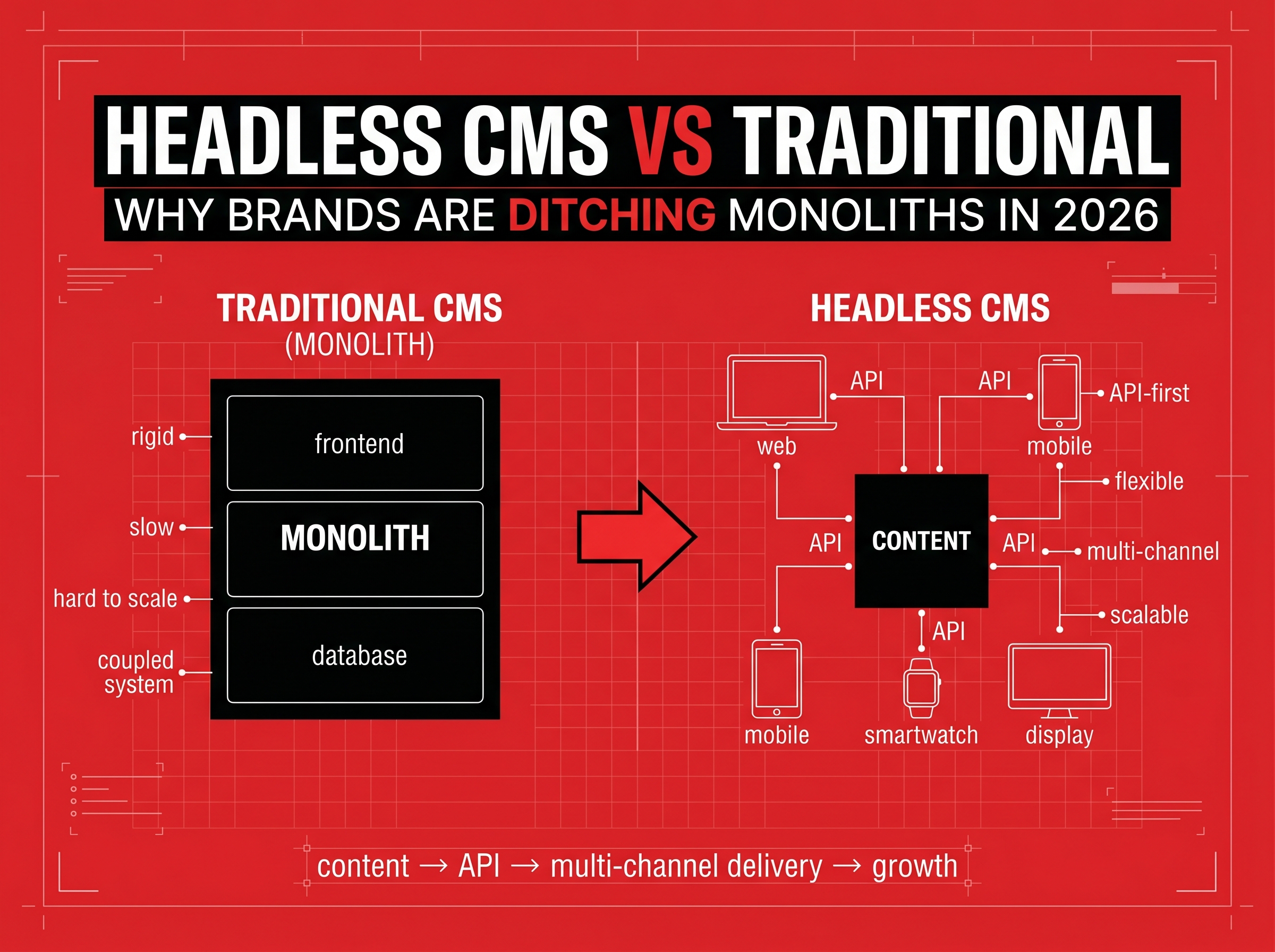
Headless CMS vs. Traditional: Why Brands Are Ditching Monoliths in 2026
In the early 2010s, building a website was simple: you installed WordPress, bought a theme, and added a few plugins. It worked—until it didn't.
In 2026, the demands on a website have changed drastically. You aren't just serving a desktop page; you are serving mobile users, smartwatches, in-app content, and AI search agents.
Traditional "Monolithic" CMS platforms (like standard WordPress or older Magento setups) are struggling to keep up. They are often bloated, slow, and vulnerable to security hacks.
For brands that need to scale, the standard has shifted to Headless Architecture. This isn't just a buzzword; it is the infrastructure change that separates high-performance websites from the slow lane.
If your site takes more than 3 seconds to load, or if your marketing team feels held back by rigid templates, it’s time to look at Headless.
What is a "Headless" CMS?
To understand Headless, you have to understand the "Monolith."
- Traditional (Monolithic): The frontend (what users see) and the backend (where you edit content) are glued together. If you want to change the design, you often have to break the code. If the backend is slow, the frontend is slow.
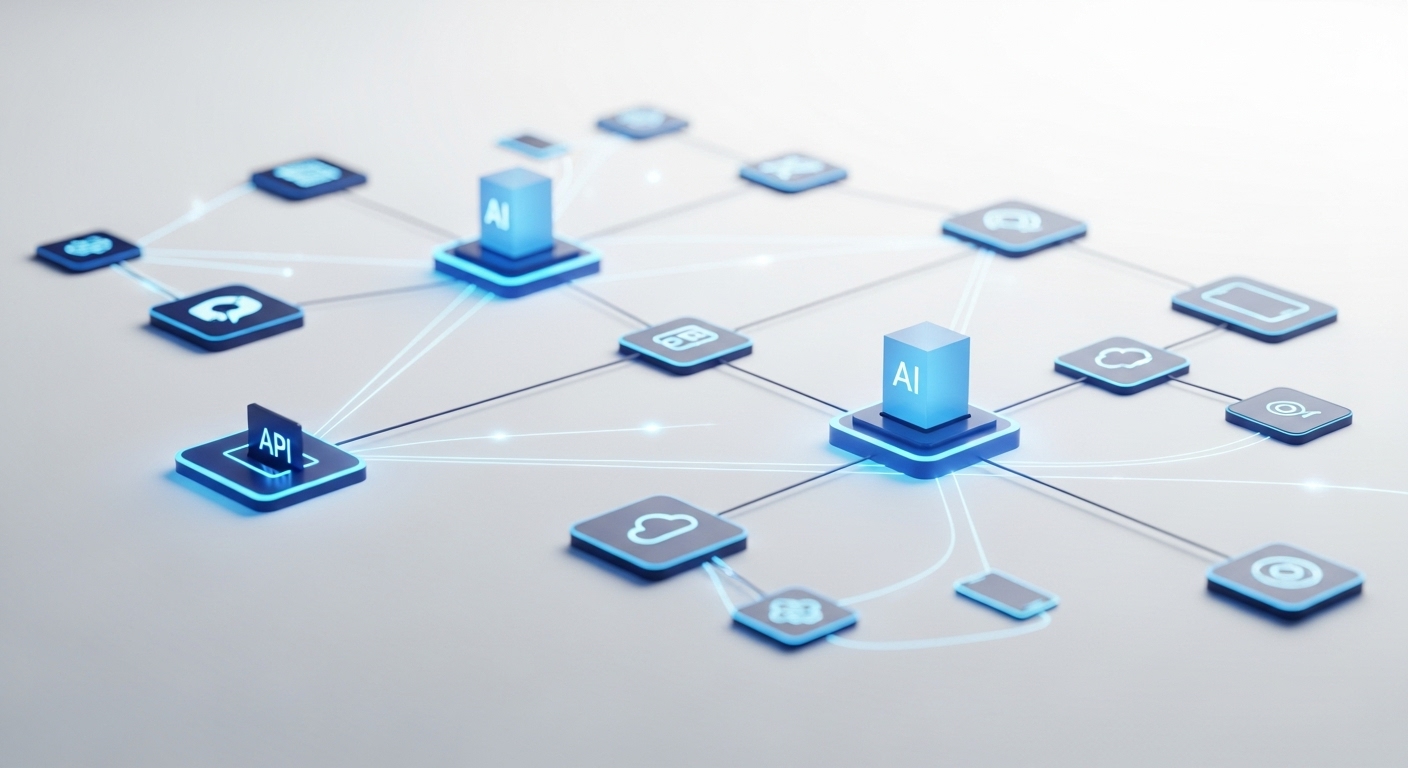
- Headless: The frontend and backend are completely separate (decoupled). They talk to each other via APIs.
- The Backend: A pure content repository (e.g., Sanity, Strapi, Contentful).
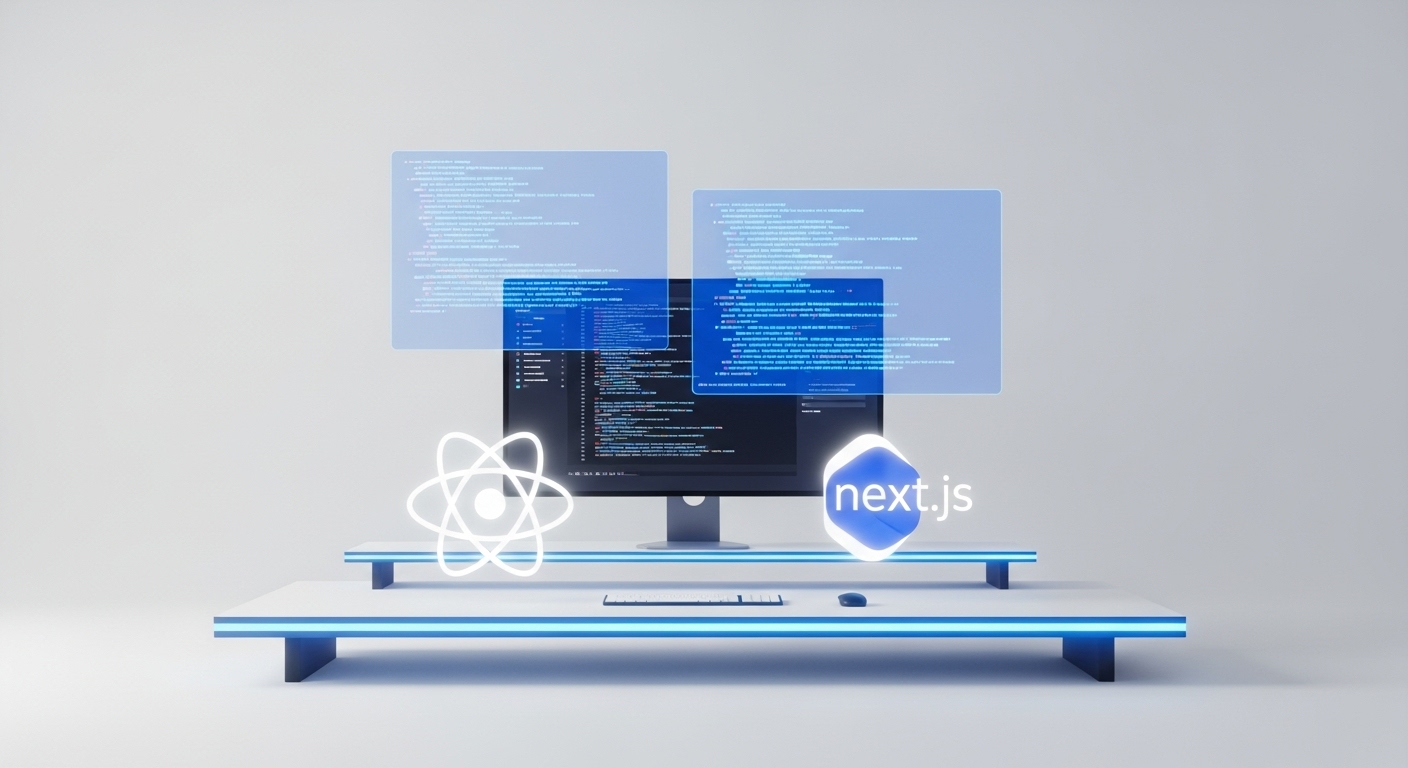
- The Frontend: A high-speed interface built with modern technology (e.g., React, Next.js, Vue).
Think of it like a high-end restaurant. In a traditional diner (Monolith), the kitchen is right next to the tables; it’s noisy and chaotic. In a Headless setup, the kitchen (Backend) is separate. It can prepare food for the dining room, the patio, and UberEats drivers (Omnichannel) simultaneously, without disturbing the guests.
Why 2026 is the Year of the "Migration"
Why are CTOs and CMOs rushing to migrate now?
1. Core Web Vitals & SEO
Google's ranking algorithms in 2026 heavily penalize slow "Time to First Byte" (TTFB). Traditional sites often have to load heavy databases just to show a home page. Headless sites using Static Site Generation (SSG) serve pre-built pages instantly.
- Result: Near-instant load times and higher organic rankings.
2. The "Omnichannel" Reality
You aren't just building a website anymore. You likely have a mobile app (or plan to). With a Headless CMS, you write a product description once. The API pushes that text to your website, your iOS app, and your Android app automatically. No more copy-pasting across platforms.
3. Fort Knox Security
Traditional CMS platforms are frequent targets for DDoS attacks and SQL injections because the frontend exposes the database. In a Headless architecture, the frontend is just static code / API calls. There is no database to hack on the user-facing side.
The Modern Tech Stack: What We Build With
At RockPaperRunway, we don't guess with your infrastructure. We use the "JAMstack" approach (JavaScript, APIs, Markup).
- Frontend: Next.js (The standard for React frameworks). It allows for server-side rendering, which Google loves.
- Backend (CMS): Sanity.io or Strapi. These offer incredible editing experiences for marketing teams without bloating the code.
- Hosting: Vercel or AWS. Edge networking ensures your site loads fast whether the user is in New York or Tokyo.
Is Headless Right for You? (The Checklist)
Headless is powerful, but it requires expertise to build. It is the right choice if:
- Traffic: You have high traffic and can't afford downtime.
- Performance: You need sub-second load times for SEO and Conversion Rate Optimization.
- Security: You handle sensitive customer data.
- Multi-Platform: You need to feed content to a Web App and a Mobile App.
If you are a local bakery with 5 pages, a website builder is fine. If you are a scaling brand, Headless is the only path forward.
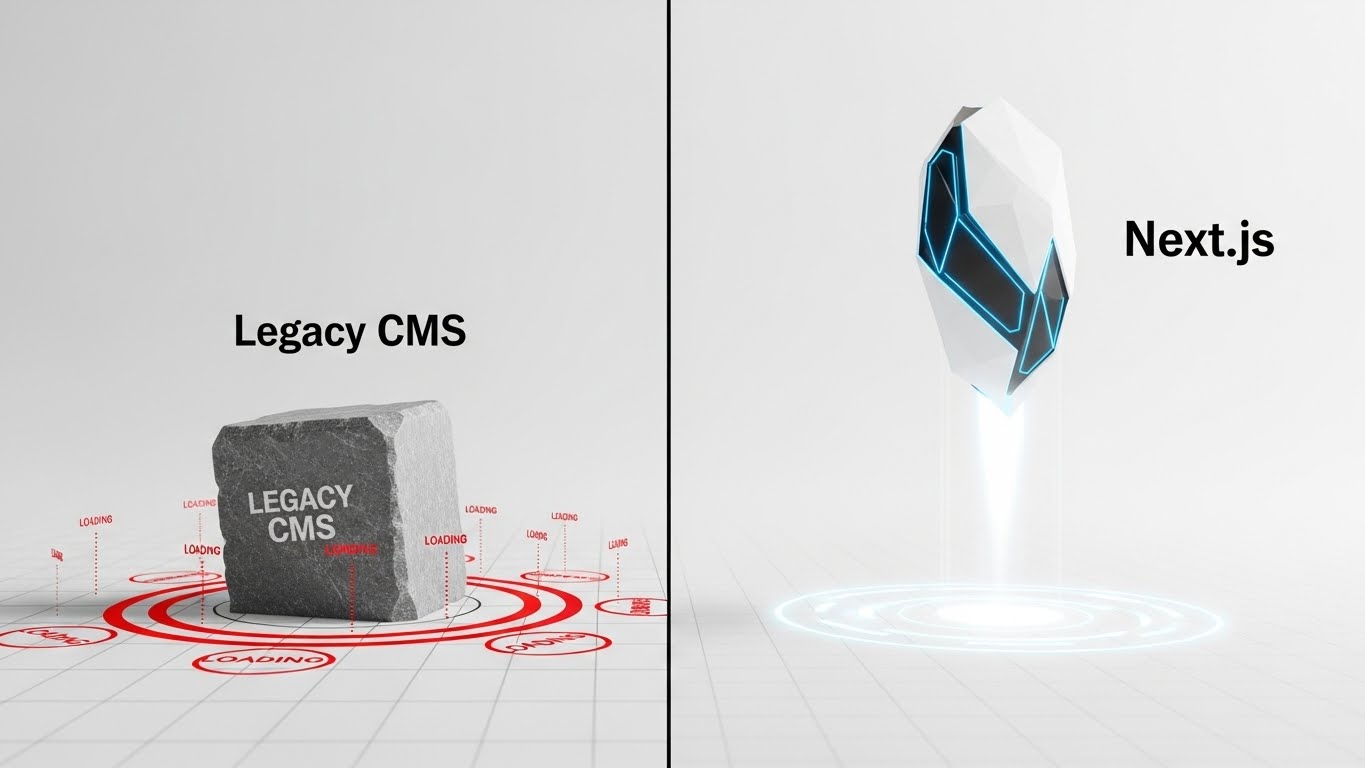
The Speed Comparison: Headless vs. Legacy
Why are CTOs rushing to migrate? The primary driver is raw performance.
Google's ranking algorithms in 2026 heavily penalize slow "Time to First Byte" (TTFB).
- Legacy Sites: Must query a heavy database every time a user loads a page. This creates a "lag" (waiting for the server to think).
- Headless (Next.js): Uses Static Site Generation (SSG). The pages are pre-built. When a user clicks, the page is delivered instantly via a global Edge Network (CDN).
The Benchmark:
- Legacy WordPress: Avg Load Time: 2.8s - 4.5s
- Headless Next.js: Avg Load Time: 0.8s - 1.2s
Result: Higher conversion rates and better Google rankings.
The Security Shield: Why Headless is Safer
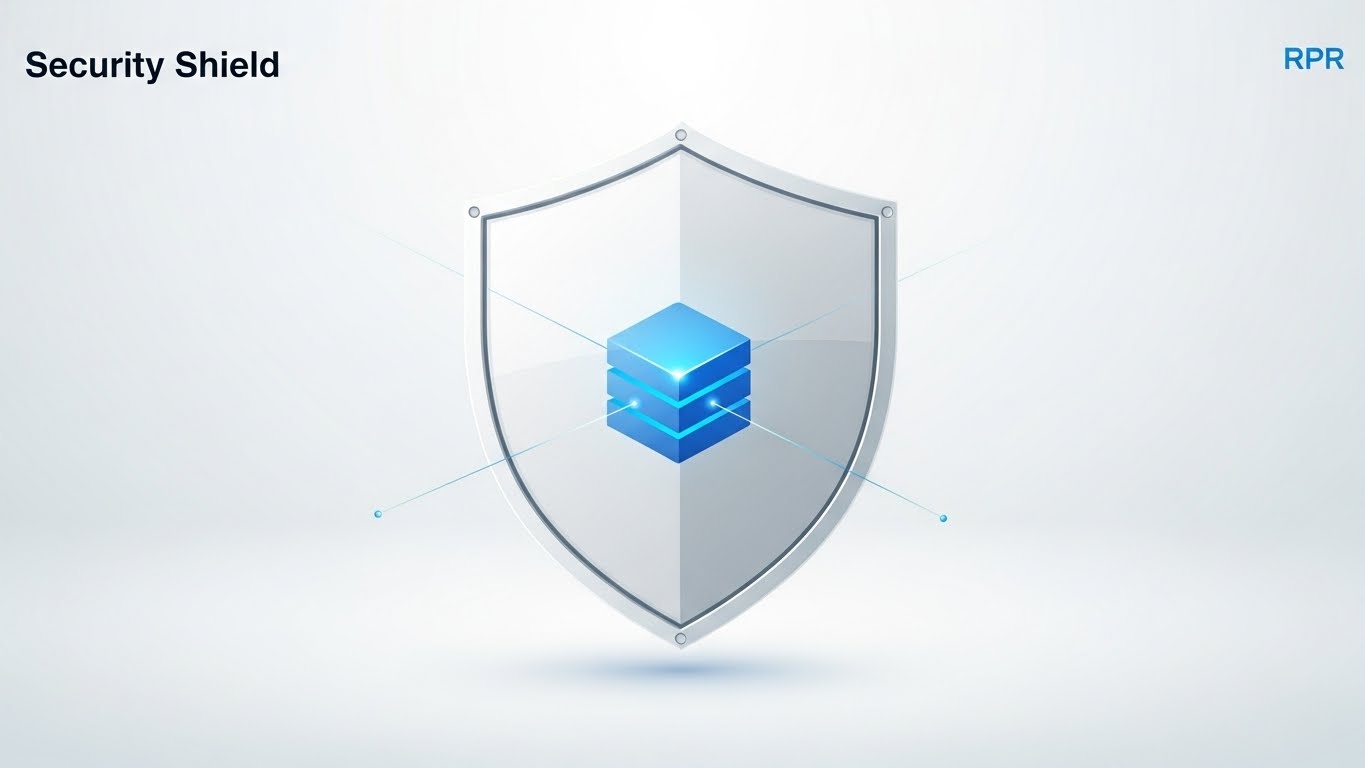
Traditional CMS platforms are frequent targets for DDoS attacks and SQL injections because the frontend exposes the database connection to the world.
Headless architecture acts as a Security Shield. Because the frontend is just static code and API calls, there is no database to hack on the user-facing side. The API acts as a secure airlock. Even if traffic spikes (a DDoS attack), your site stays up because it is served via a CDN (Content Delivery Network) rather than a single struggling server.
How RockPaperRunway Engineers Growth
A Headless migration is a major technical project. You need a partner who understands both the Code and the Design.
At ROCKPAPER RUNWAY, we provide the full-stack solution:
- Web Development: We re-platform your legacy site onto a blazing-fast Next.js architecture.
- App Development: We connect your new Headless backend to your mobile apps (Flutter/React Native), ensuring your content is synced everywhere.
- Design: Because the frontend is decoupled, our designers aren't limited by templates. We build pixel-perfect, award-winning interfaces.
- Performance Marketing: We install server-side tracking (CAPI) on your new build to ensure your ad data is accurate (improving your MER).
- QA Testing: We run automated tests to ensure your new API connections never fail.
Don't let legacy tech kill your conversion rate. Upgrade to an infrastructure that scales with you. Contact ROCKPAPER RUNWAY for a technical audit and Headless migration roadmap.
Frequently Asked Questions (FAQ)
Q: Is Headless harder for my marketing team to edit? A: Not anymore. Modern Headless CMS tools like Sanity offer "Visual Editing" that looks just like a page builder. Your marketing team gets an easy interface; your developers get clean code. Best of both worlds.
Q: Is Headless more expensive than WordPress? A: The initial build cost is typically higher because it is custom-engineered rather than template-based. However, the long-term ROI is higher due to lower maintenance costs, better security (fewer hacks), and increased conversion rates from speed.
Q: How does this affect my SEO? A: Positively. Speed is a direct ranking factor. By decoupling the frontend, we can optimize the "paint" time of the website to be near-instant, giving you a significant advantage over competitors on slower legacy platforms.
Key Takeaways
- ✓Decoupled Power: Headless separates the "Body" (Frontend/Design) from the "Head" (Backend/Content), allowing for faster speeds and total design freedom.
- ✓SEO Dominance: Headless sites built on frameworks like Next.js typically score near-perfect Core Web Vitals, a major Google ranking factor.
- ✓Omnichannel Ready: A Headless CMS pushes content to your Website, Mobile App, and Smart Devices simultaneously from one dashboard.
- ✓Security: With no frontend database connection exposed, Headless sites are significantly harder to hack.

Discussion
Be the first to start the conversation.
Leave a Comment