
Ad Disapproved? Here is the 5-Minute Fix (Before You Lose More Revenue)
Facebook’s automated approval bots are aggressive. Here is how to bypass common rejection triggers like "Personal Attributes" and "Misleading Claims" to get your campaigns live again immediately.
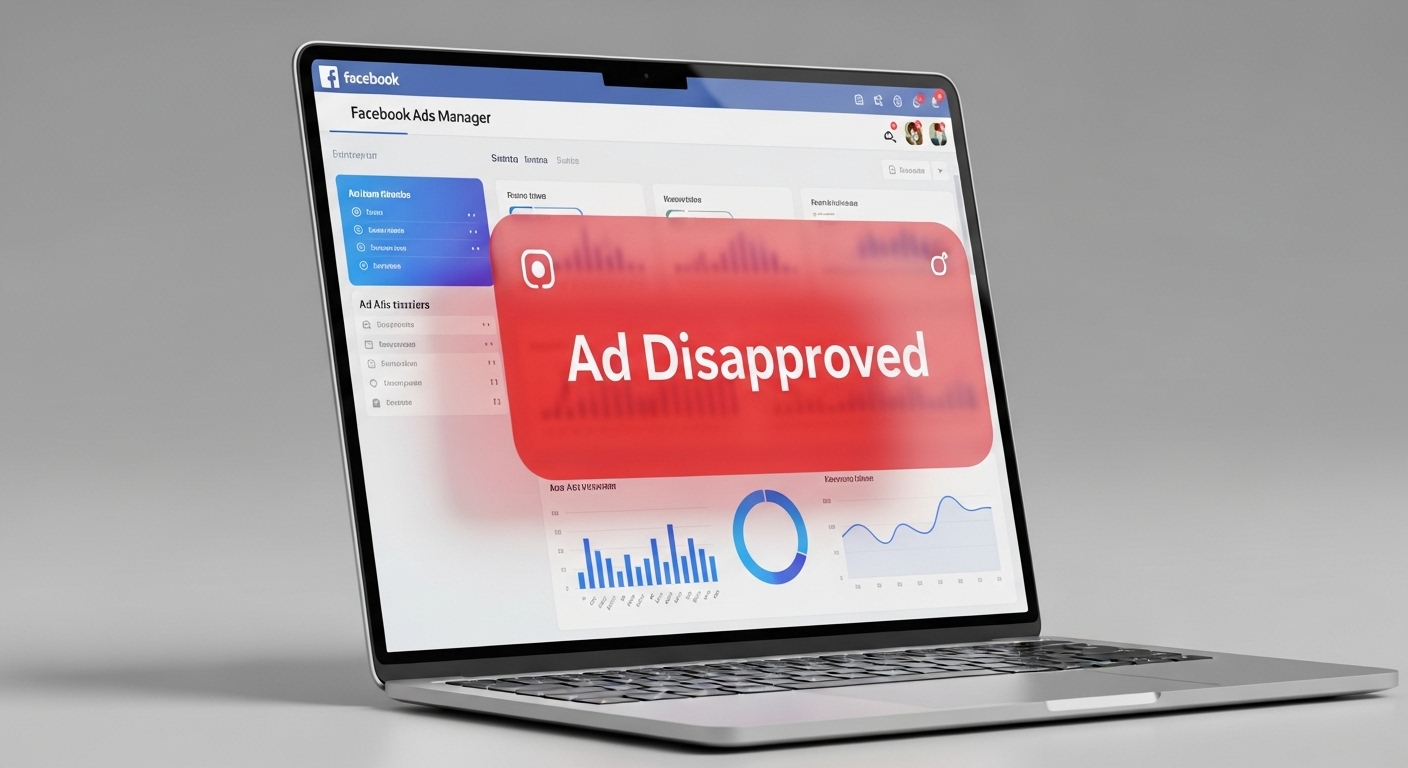
Ad Disapproved? Here is the 5-Minute Fix (Before You Lose More Revenue)
The Reality: You Are Losing Money While Waiting
Every hour your ad sits in "Rejected" or "In Review" status, your campaign momentum dies.
At ROCKPAPER RUNWAY, we see this daily. Usually, the issue isn't that you violated a policy intentionally—it’s that you triggered one of Meta’s automated keywords. The bot doesn't understand context; it only understands patterns.
Here are the 4 specific triggers killing your ads right now, and the exact copy tweaks we use to fix them.
Why Does Facebook Reject Ads?
Facebook uses automated and manual reviews to enforce its Advertising Policies. Disapprovals often happen due to content, targeting, or technical issues.
Common Reasons Facebook Ads Get Disapproved
1. The Silent Killer: "Personal Attributes"
This is the most common reason for rejection, especially for health, beauty, and fitness brands. Facebook does not allow you to imply you know the user's specific race, religion, age, or medical condition.
The Mistake (Calling Out the User): We recently onboarded a fitness client whose ads were constantly getting flagged. Their headline was effectively "over-promising" results while targeting the user directly: “Are you tired of failing diets? Lose 10lbs in 2 weeks.”
This triggered two flags: it assumed the user was failing (Personal Attribute) and promised an unrealistic timeline (Misleading Claim).
The Fix (The "Third Party" Frame): We shifted the focus from the user to the program.
- ❌ Rejected: "Are you tired of failing diets?"
- ✅ Approved: "See how this program helps busy professionals stay fit."
By removing the word "you" and the specific weight-loss promise, the ads were approved instantly.
Quick Fix: Review Facebook’s Community Standards and remove flagged elements.
2. The "Get Rich Quick" Trigger (Misleading Claims)
If you are running ads for coaching, courses, or finance, the algorithm is hyper-sensitive to "outcome promises."
If your ad promises a specific result in a specific timeframe, it will likely be flagged.
- Flagged: "Make $5,000 in 30 days."
- Approved: "Learn the strategy we used to scale revenue."
RPR Insight: We often see ads approved initially but rejected 3 days later. This is usually because the Landing Page made the claim, not the ad. Meta crawls your URL. If your landing page has a "Guarantee" timer or unrealistic claims, the ad gets banned.
3. The "Before and After" Trap
Meta hates "Before and After" images, particularly for weight loss or skin conditions. They view it as promoting negative self-perception.
The Fix: Stop using side-by-side comparison photos. Instead, use:
- User Generated Content (UGC): A video of a user holding the product and talking about their results.
- The "After" Only: Focus purely on the positive result/lifestyle image without showing the "painful" before state.
4. "Functional" Issues (Broken Landing Pages)
Sometimes, the rejection has nothing to do with policy. If your site loads too slowly or has broken elements, Facebook views it as a bad user experience (low quality ranking) and disapproves the ad.
Real World Example: We audited a SaaS company that couldn't figure out why their lead generation ads were being rejected for "Low Quality Destination." The copy was perfect.
The culprit? Site Speed. Their landing page took 14 seconds to load on mobile, and the CTA button on the lead form was broken (unclickable). Meta’s bots detected the bounce rate would be 100%, so they blocked the ad to protect user experience. Once we optimized the code and fixed the button, the ads were live within 24 hours.
How to Appeal (The Right Way)
If you are 100% sure you are compliant, do not just hit "Request Review" blindly.
- Check the "Account Quality" Tab: See precisely which policy was flagged.
- Edit first, Appeal second: Even a small tweak to the headline signals to the bot that you "fixed" it, which often triggers a fresh re-scan faster than a manual appeal.
- Contact Support: If it happens 3 times in a row, stop. Repeated rejections damage your ad account's trust score.
FAQ
Q: How long does it take for Facebook to review a fixed ad? A: Usually within 24 hours. However, if you edit the creative rather than just appealing, the bot often re-scans it in under 2 hours.
Q: Can I appeal a Facebook ad rejection? A: Yes, but use the "Request Review" button sparingly. If you appeal 5 times and lose 5 times, your account quality score drops. Fix the ad first.
Q: What happens if my ads keep getting rejected? A: Repeated violations lead to "Ad Account Disabled." Once this happens, getting it back is extremely difficult. Compliance is better than recovery.
Pro Tip
At ROCKPAPER RUNWAY, we design ad creatives and funnels that pass Facebook’s approval process and convert at a high rate. From premium visuals to compliant copywriting, we help you get ads live fast.
Key Takeaways
- ✓Facebook ad disapprovals are usually preventable if you stop writing for humans and start writing for the "Policy Bot." Avoid calling out user flaws ("You are overweight"), stop promising specific money/weight results, and ensure your landing page loads fast.
- ✓💡 At ROCKPAPER RUNWAY, we help brands create high-performing, policy-compliant ads that get approved fast and convert even faster.

%2C_subtle_202604291912.jpeg?alt=media&token=16ee233a-e0d9-4107-aed4-0ee78687fda0)
Discussion
Be the first to start the conversation.
Leave a Comment