
AI in UX, How Generative Design Tools Are Shaping the Future of Interfaces
Discover how AI-powered generative design is transforming UX. Learn trends, tools, and strategies shaping the future of user interfaces in 2025.
AI in UX: How Generative Design Tools Are Shaping the Future of Interfaces
User experience (UX) design is no longer just about wireframes and color palettes—it’s about co-creating with AI. In 2025, generative design tools are transforming how teams build interfaces, shifting from static layouts to adaptive, AI-informed experiences. From Figma plugins to full-scale AI design assistants, these tools are reshaping how products are built, tested, and shipped.
What is Generative Design in UX?
Generative design in UX leverages AI to create design elements, layouts, and even full workflows based on user inputs, data, and behavioral patterns.
Key Capabilities:
- Auto-generating UI components and layouts
- Testing multiple design variations instantly
- Personalizing interfaces based on user behavior
- Accelerating iteration cycles
Why Generative Design Matters in 2025
- Speed to Market: AI reduces design cycles from weeks to hours.
- Scalability: Design systems can generate infinite variations while staying consistent.
- Personalization: Interfaces adapt in real-time to user preferences.
- Collaboration: Designers, developers, and AI tools work together in shared platforms.
Key Stat: According to Adobe, teams using AI-assisted design workflows report a 32% faster time-to-market.

Tools Leading the Way
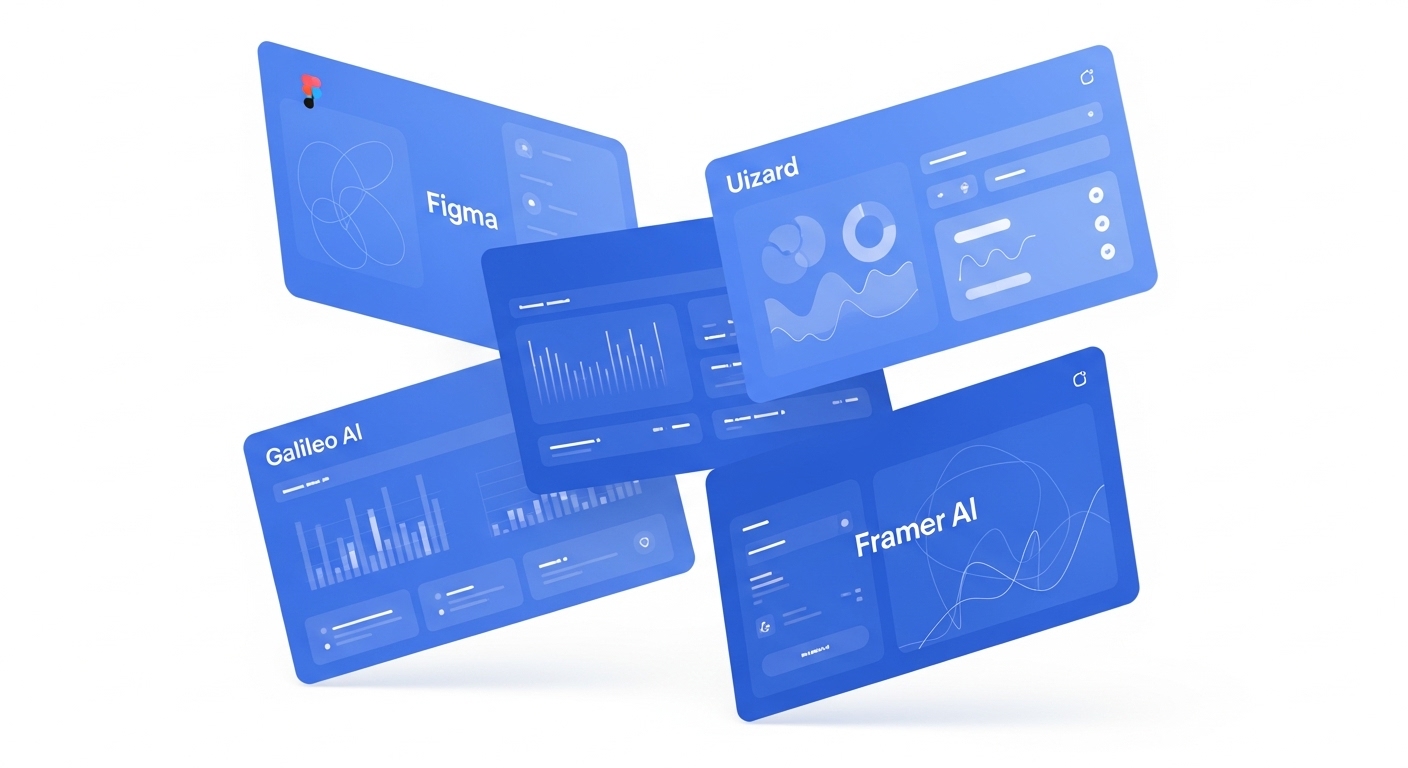
- Figma + AI Plugins: Auto-layouts, content generation, and instant prototyping.
- Uizard: Turns sketches and text prompts into interactive mockups.
- Framer AI: Builds responsive websites from prompts with production-ready code.
Strategic Applications of AI in UX
- Rapid Prototyping: Generate multiple design options instantly.
- Accessibility Testing: AI highlights readability and compliance issues.
- A/B Testing at Scale: Automated design variations tested against user data.
- Data-Driven Personalization: Interfaces evolve with user behavior, boosting engagement.
Challenges & Limitations
- Creative Originality: Risk of homogenized “AI-looking” interfaces.
- Over-Reliance: Designers must guide AI, not just accept outputs.
- Data Bias: AI personalization only works as well as the data behind it.
Pro Tip
💡 At ROCKPAPER RUNWAY, we integrate generative design into our UX workflows to create interfaces that are fast, functional, and future-proof. From rapid prototyping to personalized journeys, we combine AI efficiency with human creativity.
Quick Reference: AI in UX Benefits
- Cuts design time by 30%+
- Scales design systems seamlessly
- Enables real-time personalization
- Enhances collaboration between teams
FAQ
Q: Will AI replace UX designers?
A: No. AI enhances workflows, but human creativity and empathy remain irreplaceable.
Q: What tools are best for generative UX design?
A: Figma AI plugins, Galileo AI, Uizard, and Framer AI are leading in 2025.
Q: How does AI improve UX testing?
A: AI runs accessibility scans, auto-generates test variations, and analyzes behavior at scale.
Key Takeaways
- ✓AI isn’t replacing designers—it’s empowering them. Generative design tools accelerate iteration, scale personalization, and reshape the way interfaces are created.
- ✓💡 At ROCKPAPER RUNWAY, we design AI-powered experiences that merge creativity and intelligence—helping brands craft the next generation of digital products.
Discussion
Be the first to start the conversation.
Leave a Comment