
The Evolution of Apple Design, Part 3
Discover how Apple’s 2013 iOS redesign replaced textures with simplicity. Explore how the flat design era transformed UI, influenced global design systems, and set new standards for modern UX.
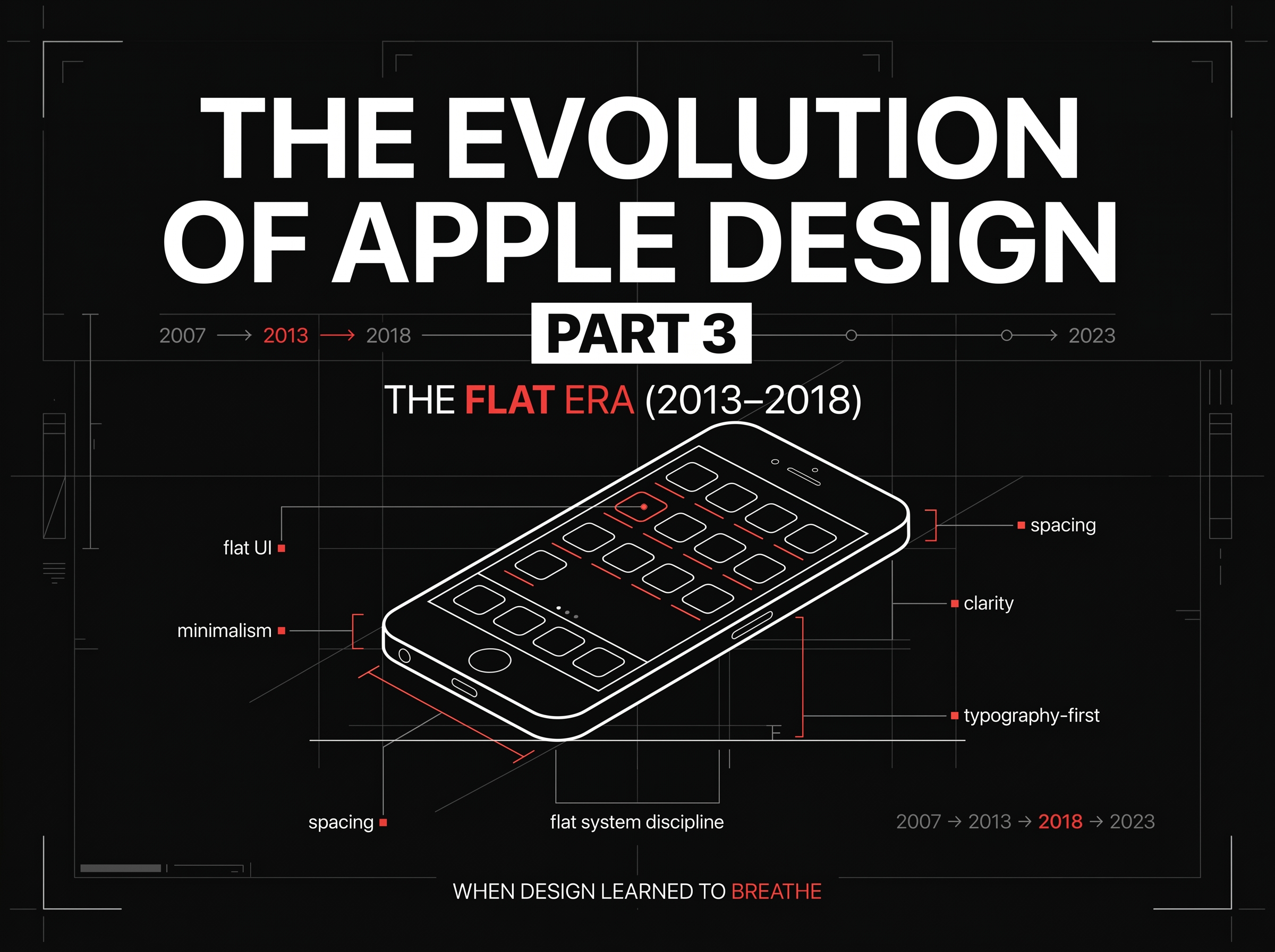
The Evolution of Apple Design, Part 3: The Flat Revolution (2013–2018) — How Apple Redefined Simplicity for the Modern Age
In 2013, Apple made one of the most controversial design moves in its history.
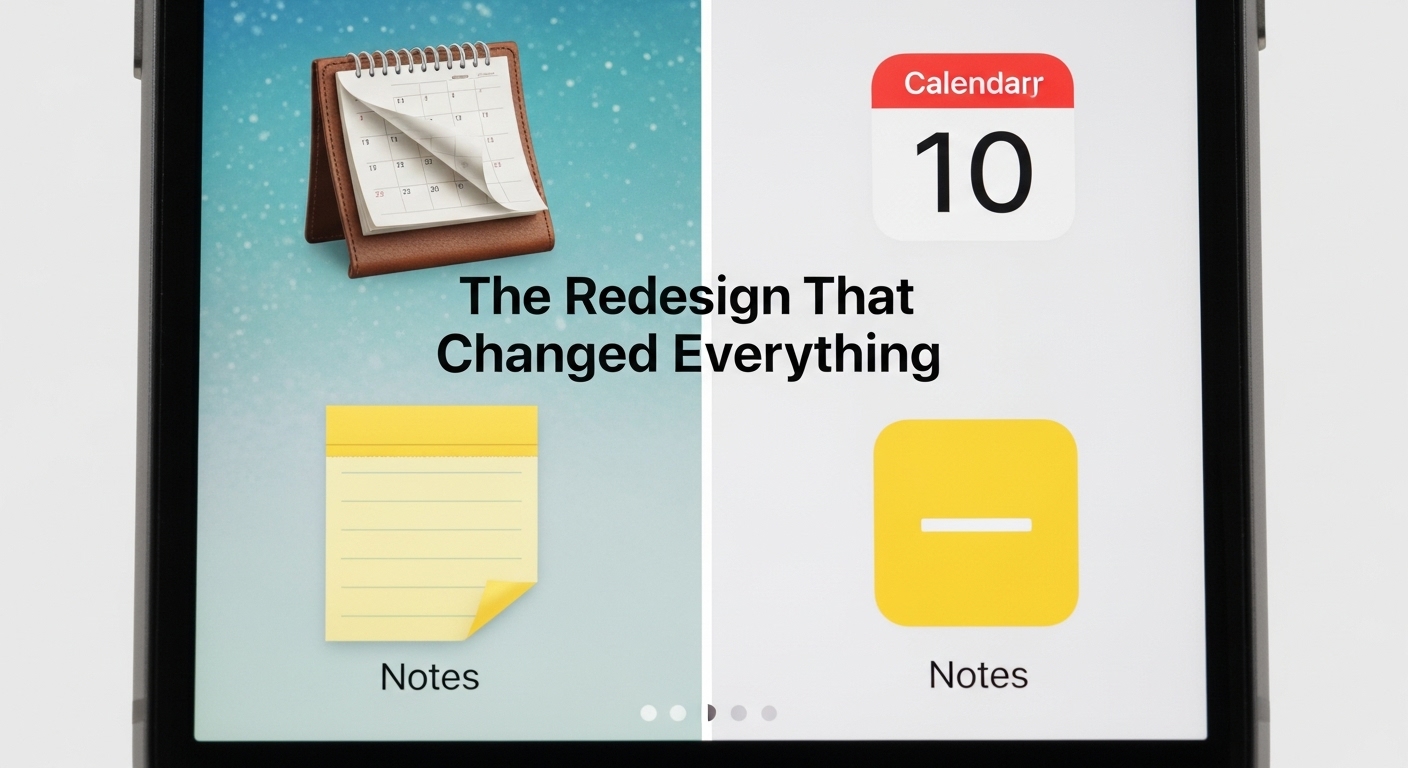
Leather stitching, felt, glass reflections — gone.
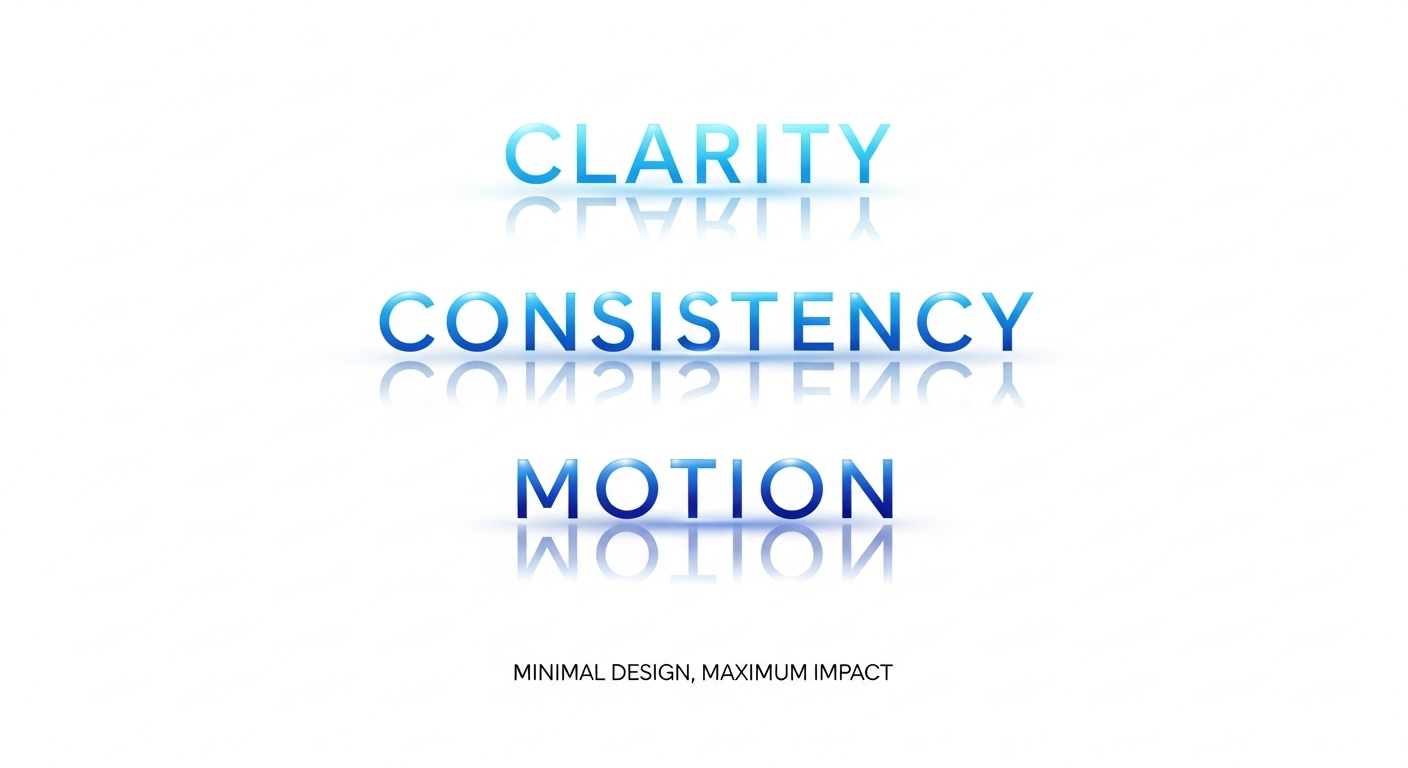
With iOS 7, Jony Ive unveiled a new design philosophy: simplicity as clarity.
It was bold, radical, and divisive. For some, it felt liberating. For others, sterile.
But one thing was certain: Apple had redefined what digital design looked like.
This wasn’t just a UI overhaul, it was a cultural reset that shaped the next decade of global design systems.
1. The Philosophy Behind Flat Design
Flat design wasn’t just a style — it was a statement.
In the early 2010s, mobile screens improved dramatically. High pixel density (Retina displays) made detailed textures unnecessary.
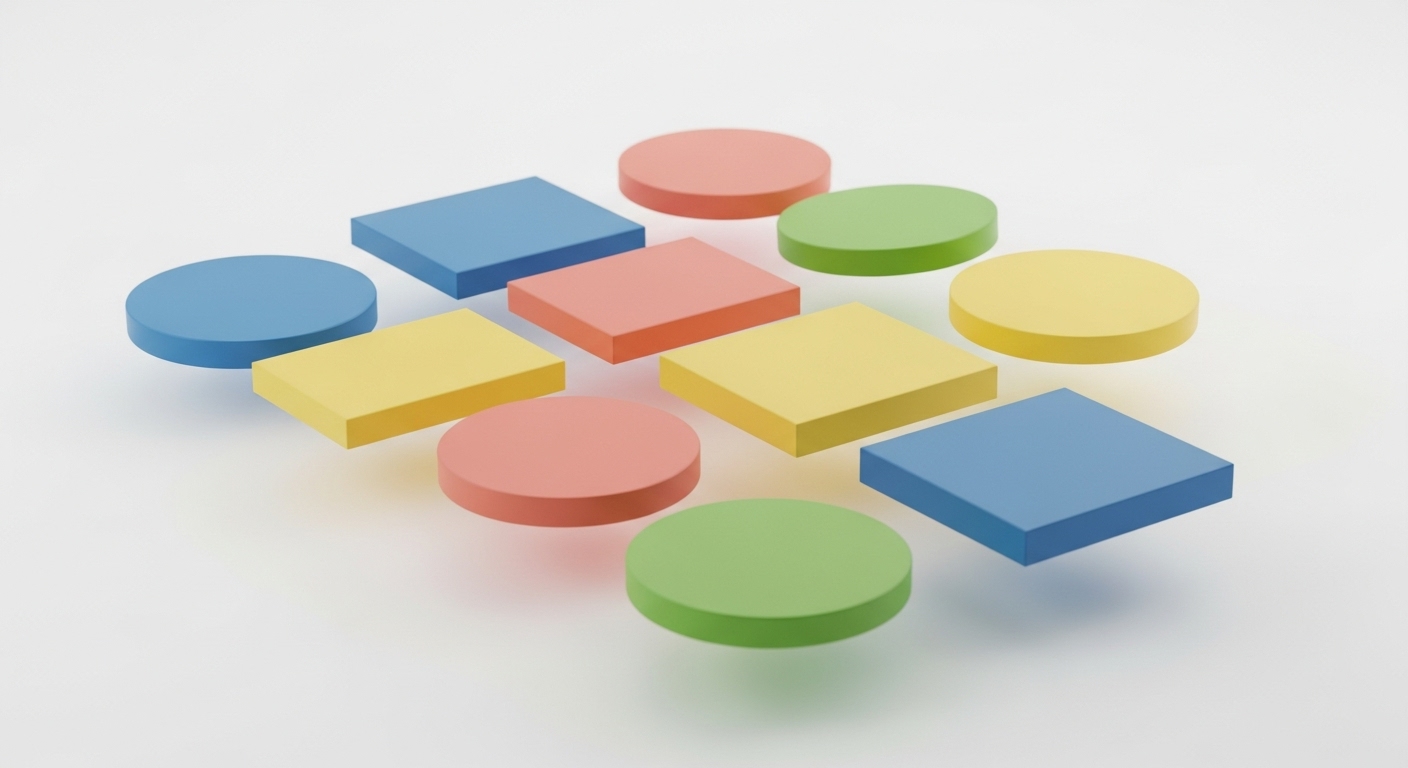
Instead of mimicking the real world, Apple chose to embrace the digital world itself.
Core principles of flat design:
- Simplicity: Remove everything that doesn’t clarify function.
- Geometry: Use grids and balance for structure.
- Color as meaning: Replace texture with tone and contrast.
- Typography as design: Words became UI.
Apple’s new interface was stripped down to its essence — light, motion, and purpose.
2. iOS 7: The Shockwave That Changed Everything
When iOS 7 launched, reactions were extreme.
The bright gradients, thin icons, and borderless buttons looked unlike anything before.
But beneath the surface was a meticulous grid system and physics-driven motion — designed to make users feel spatially aware in a 2D world.
“True simplicity is derived from so much more than just the absence of clutter.” — Jony Ive
Apple redefined interaction: minimal visuals, but rich dynamics.
3. The Role of Motion: Flat Didn’t Mean Static
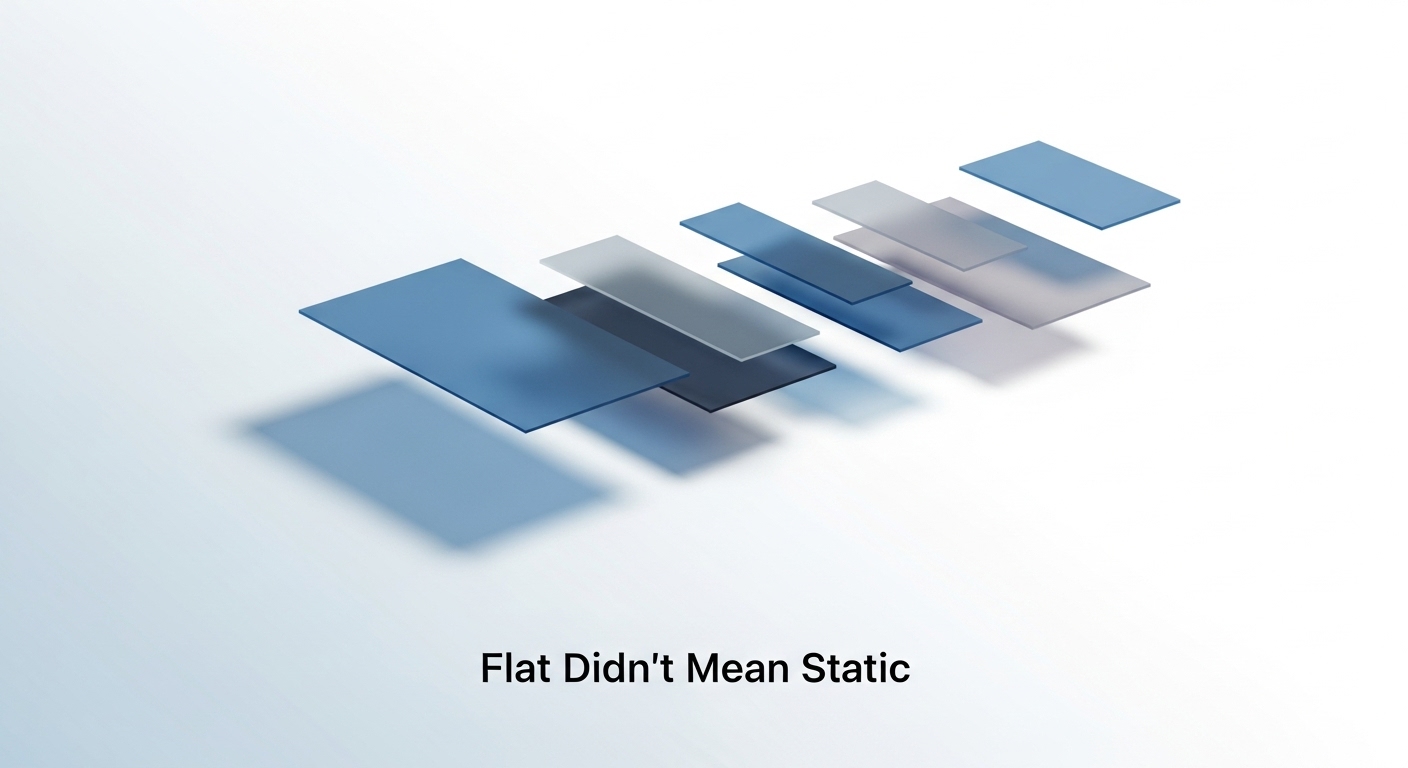
To counter minimalism’s coldness, Apple introduced motion as feedback.
Parallax scrolling, spring animations, and layered depth gave users cues of space and interaction.
The result? Interfaces felt alive — without decoration.
Apple made the invisible intuitive again.
4. Influence on Global Design Systems
The ripple effect was instant.
Google’s Material Design (2014) borrowed Apple’s clarity but added physics.
Microsoft’s Fluent Design brought light and depth to flatness.
Web and app frameworks — from Bootstrap to Figma UI kits — all followed Apple’s minimalist standard.
Flat design became the global design language for the mobile age.
5. Design Lessons from the Flat Revolution
🎨 Subtraction is design.
Every removed element increases focus.
🧭 Motion replaces metaphor.
Movement helps users understand where they are in space.
📐 Systems build trust.
Consistency across devices makes design feel seamless.
💬 Simplicity is luxury.
When done right, minimal design feels intentional, not empty.
6. The End of Flat, the Start of Depth
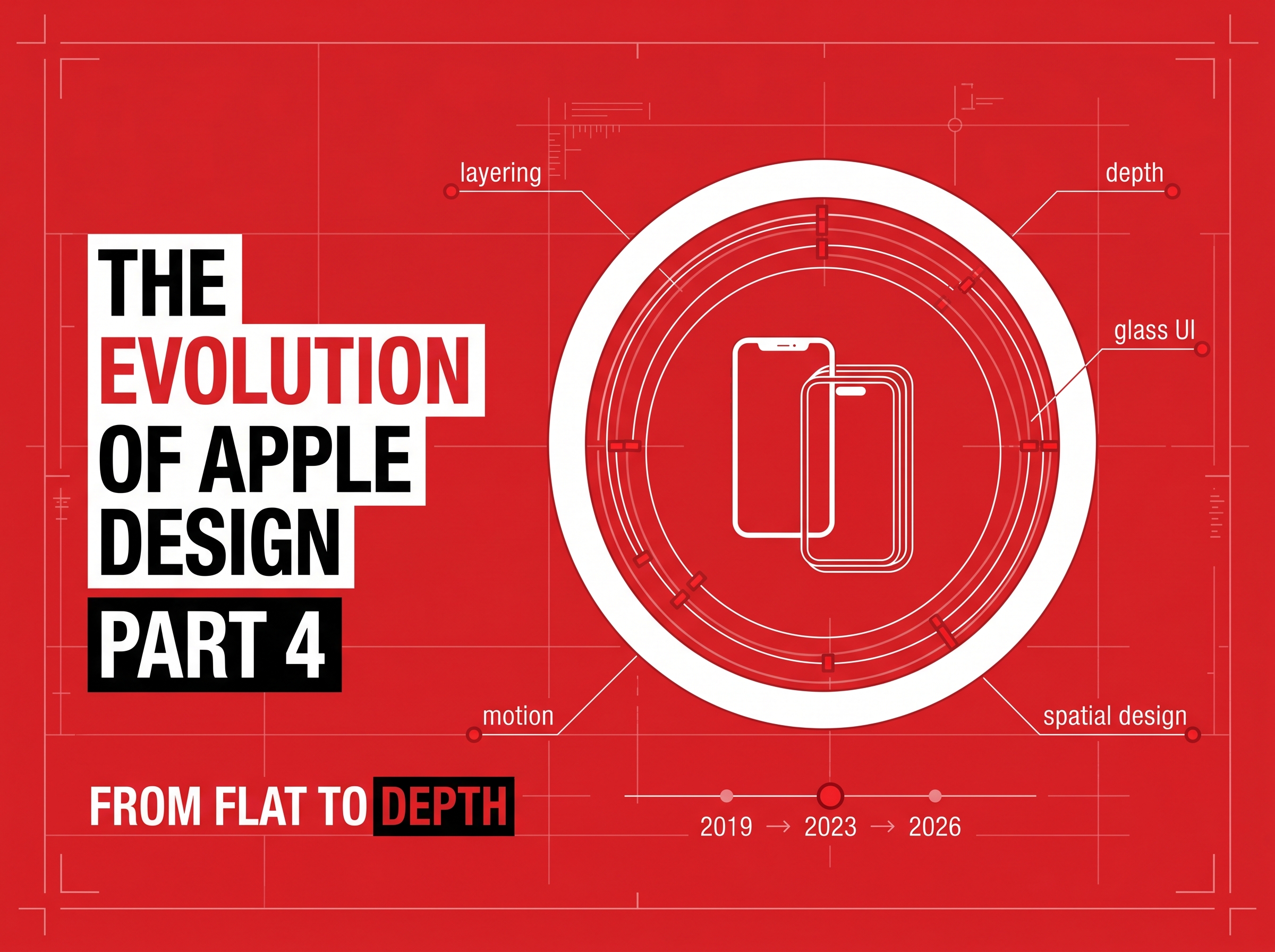
By 2018, Apple began reintroducing depth and texture subtly — gradients, soft shadows, translucency.
This evolution hinted at what would come next: neumorphism, glassmorphism, and adaptive design.
The lesson? Flat was never the destination. It was the reset — the moment digital design matured from imitation to intuition.
Key Takeaways
- ✓The flat era wasn’t just about minimalism. It was about confidence.
- ✓Apple’s 2013–2018 design choices taught us that design maturity comes from knowing what to leave out.
- ✓At RockPaperRunway, we carry this same philosophy — designing interfaces that breathe, move, and speak clearly. Because great design isn’t decoration; it’s direction.
%2C_subtle_202604291908.jpeg?alt=media&token=b299c18a-9c0e-4753-be2c-d7eb111fd154)
Discussion
Be the first to start the conversation.
Leave a Comment